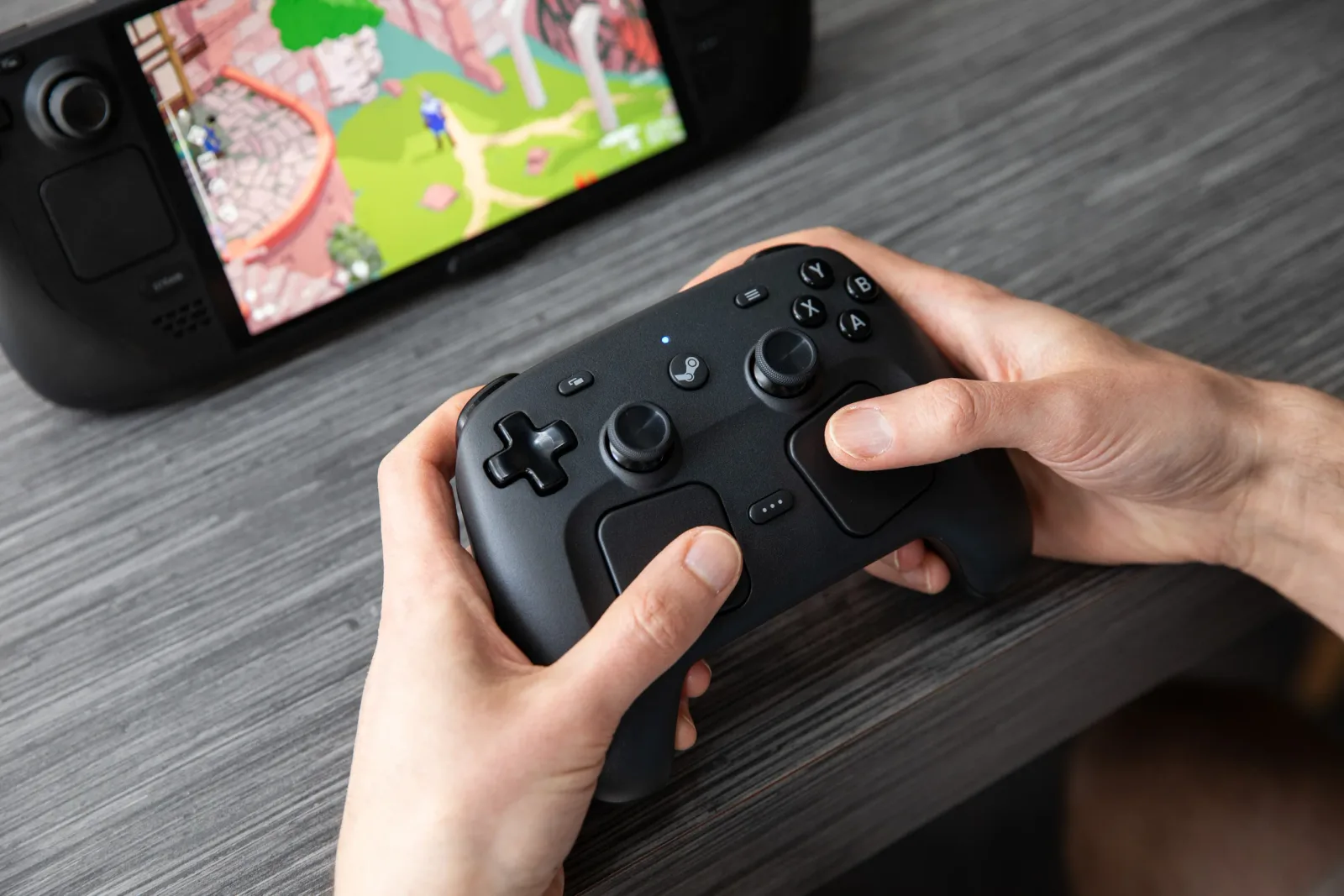
The original Steam Controller was a brilliant failure—a bold experiment in rethinking how we play PC games that ultimately confused more than it delighted. Ten years later, Valve has finally made a second attempt. But this time, they're not trying to reinvent the wheel. They're just making it roll better. Priced at $99 and launching on May 4, 2026, this new controller borrows heavily from the Steam Deck's proven design philosophy. Here's why the new Steam Controller matters for PC gamers—and where it falls short of being a must-have upgrade.
The Hardware Revolution That Isn't
Let's address the elephant in the room: the 2026 Steam Controller is not a revolution. It's a refinement. And that's precisely what makes it interesting.
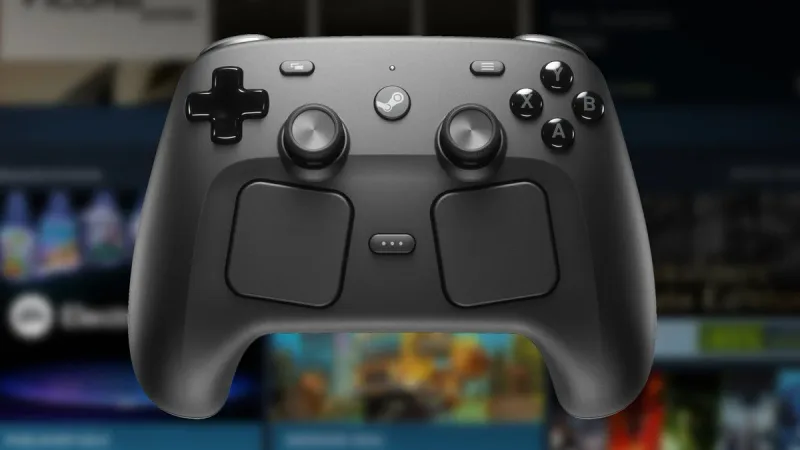
The most significant hardware upgrade is the inclusion of drift-resistant TMR (Tunneling Magnetoresistance) joysticks. Unlike traditional Hall effect sensors or analog potentiometers, TMR technology offers superior longevity and precision. For anyone who has suffered through Joy-Con drift or worn-out Xbox thumbsticks, this is a genuine quality-of-life improvement. Valve's Pierre-Loup Griffais confirmed that these joysticks are designed to outlast the controller itself.
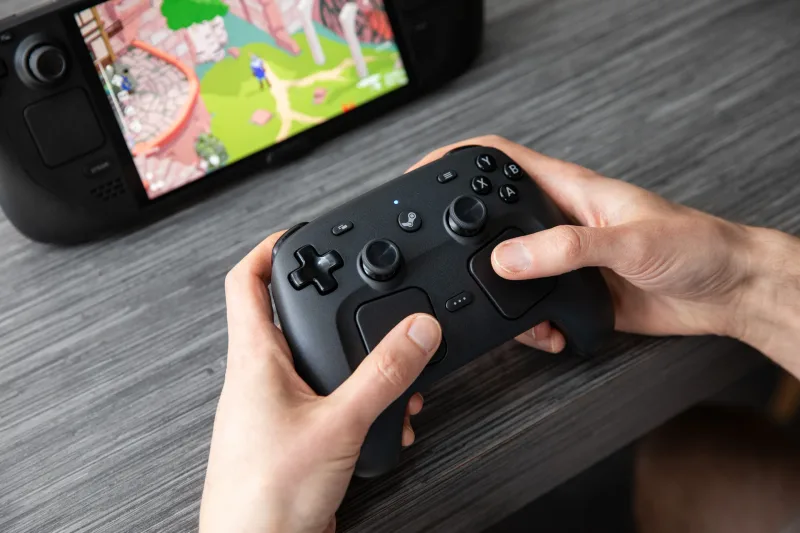
The dual trackpads return from the original 2015 design, but they've been refined with Steam Deck's ergonomic lessons. The controller feels substantial in hand, weighing 280 grams—slightly heavier than a DualSense—with a matte finish that resists fingerprints. The face buttons have a crisp, tactile click similar to the Steam Deck's, while the D-pad feels slightly mushy by comparison. There's no creaking plastic or wobbling components. The four rear buttons are easier to actuate than those on the Steam Deck, and the new "Grip Sense" touch sensors in the joysticks and grips allow for contextual inputs. In Doom Eternal, for instance, you can tap the left joystick to toggle sprint while pressing the right grip to crouch—all without moving your thumbs. This transforms movement-heavy shooters into fluid, intuitive experiences.
Valve has also committed to user-repairability, a rare stance in gaming hardware. The controller uses seven Torx screws, no adhesive tabs, and iFixit will stock replacement parts. "We want this controller to last as long as you want to use it," Griffais stated.
However, there's one notable omission: the lack of a 3.5mm headphone jack. For a $99 controller in 2026, this feels like a deliberate cost-cutting measure that may frustrate users who prefer wired audio.
Great hardware means little without software to back it up—and this is where the Steam Controller's true strength lies.
The Connectivity & Charging Ecosystem
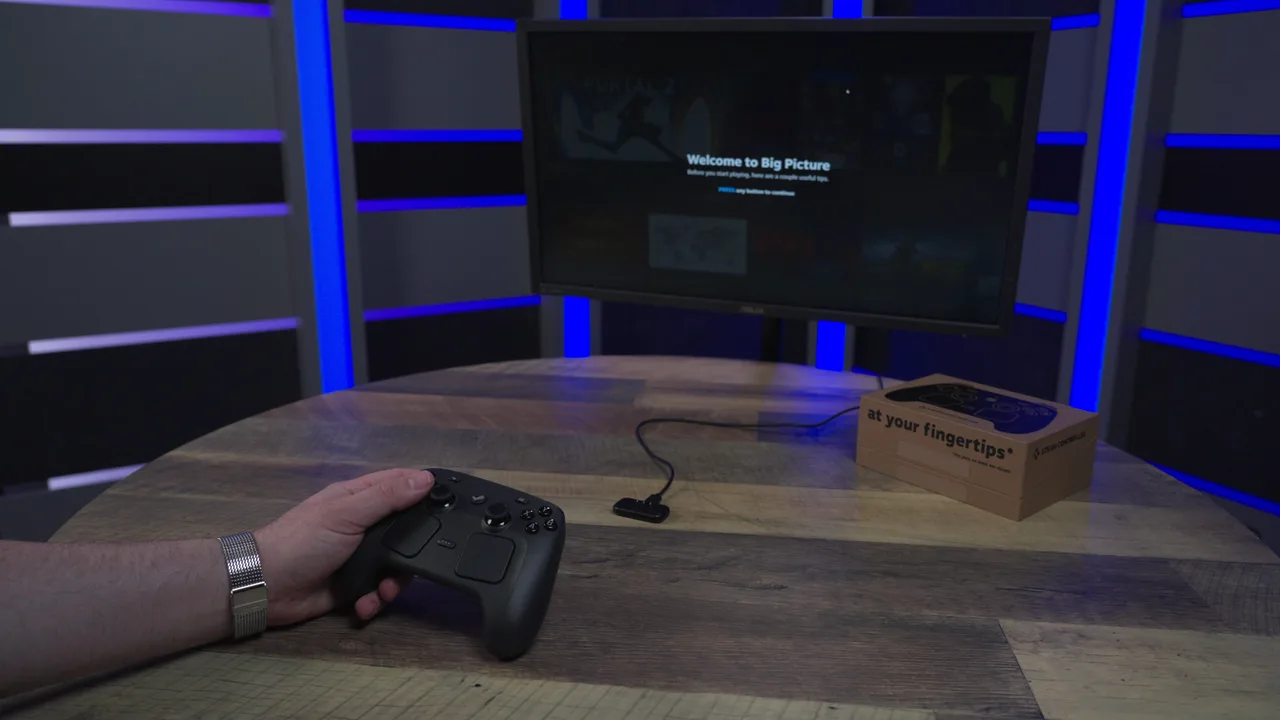
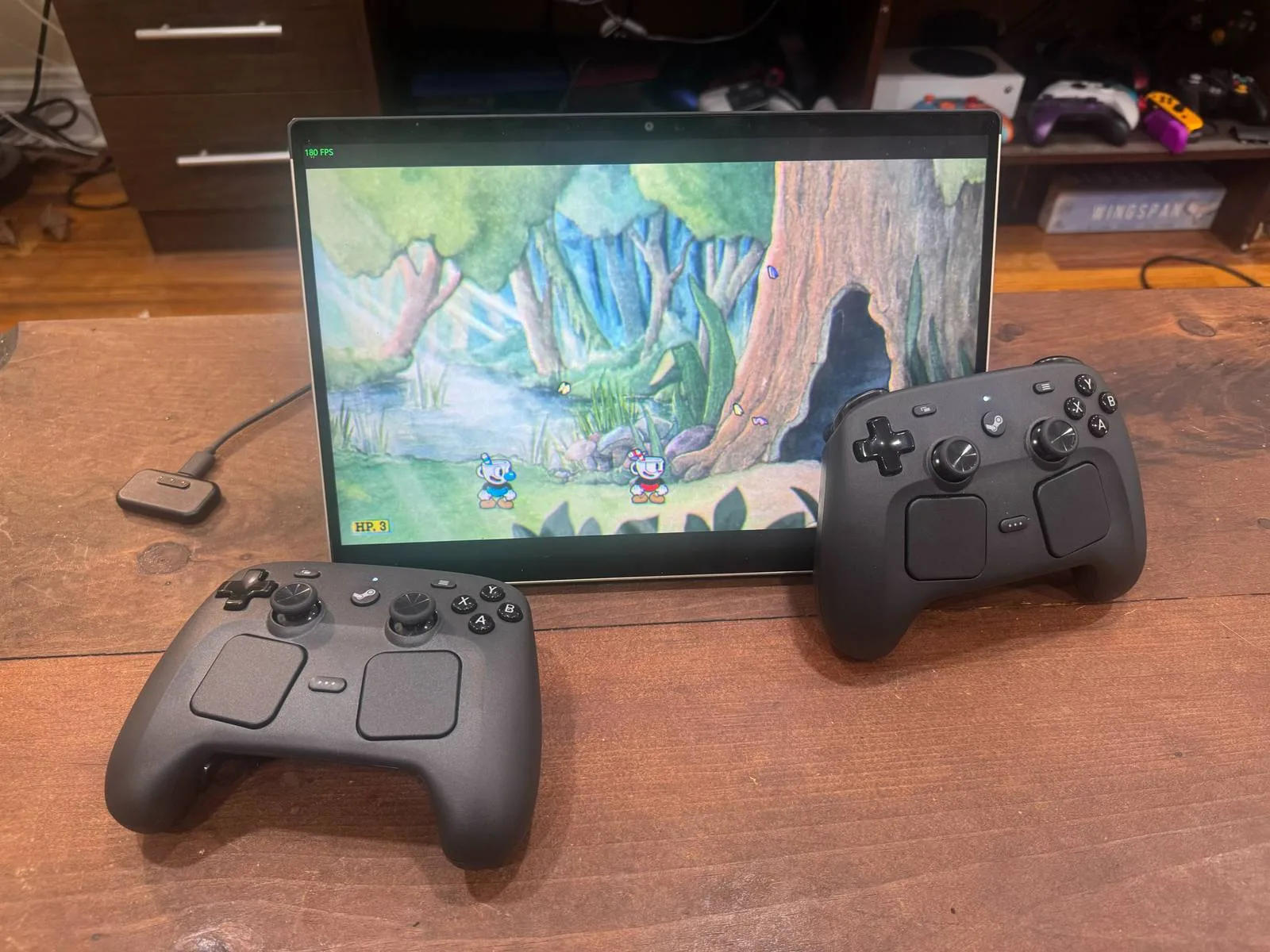
Valve has solved one of the most persistent annoyances with wireless controllers: the "where's the dongle?" problem. The included 2.4GHz USB-C puck functions as both a wireless dongle and a magnetic charging dock. When you're done playing, simply snap the controller onto the puck to charge and store the dongle simultaneously.
Latency performance is solid. Griffais confirmed that Bluetooth and 2.4GHz have "very comparable" latency, measuring around 8ms. The real advantage of 2.4GHz emerges during local multiplayer: with four controllers connected, Bluetooth latency degrades noticeably, while 2.4GHz maintains consistent performance. For party games or competitive LAN sessions, this is a meaningful benefit.
The controller can also wake your PC or Steam Deck from sleep via the Steam button, adding convenience for docked setups. Combined with the magnetic charging dock, this creates a seamless experience for Steam Deck users who dock their handheld to a TV.
But connectivity is only half the story—the controller's true power lies in its software integration.
The Steam Input Advantage (and Limitation)
Where the Steam Controller truly shines is its deep integration with Steam Input. The software layer enables multiple control schemes, onscreen menus, and community configurations that transform the controller into a versatile tool.
Each controller carries a unique identifier, meaning your saved schemes follow your account across any PC. No more manual profile management—just log in and play. Valve is also improving Steam's gamepad mode for store navigation, though these updates are rolling out over time.
The trackpads are the standout feature for specific use cases. They excel at camera controls in strategy games, radial menus in RPGs, and desktop navigation. Community configurations for games like Crusader Kings demonstrate how the trackpads can replace mouse inputs in genres that traditionally demand keyboard and mouse.
However, console compatibility is essentially nonexistent. The controller only functions as a basic mouse and keyboard on Xbox, PlayStation, or Switch. Full functionality requires Steam or a compatible client, limiting its appeal to PC and Steam Deck users exclusively.
Price vs. Value—Who Is This For?
| Feature | Steam Controller ($99) | DualSense Edge ($200) | Xbox Elite Series 2 ($180) |
|---|---|---|---|
| Rear Buttons | 4 (plus grip sensors) | 2 (removable paddles) | 4 (swappable paddles) |
| Trackpads | Dual (capacitive) | None | None |
| Repairability | User-repairable (Torx screws) | Limited (adhesive) | Limited (proprietary) |
| Headphone Jack | No | Yes | Yes |
| Swappable Sticks | No | Yes | Yes |
| Trigger Stops | No | Yes (adjustable) | Yes (adjustable) |
At $99, the Steam Controller sits at an interesting price point. It's roughly half the cost of "pro" controllers like the DualSense Edge ($200) or Xbox Elite Series 2 ($180). Yet it lacks swappable joysticks and trigger stops found on those premium alternatives. Valve's hardware engineer Steve Cardinali explained, "We achieved $99 through discipline around what we include," aiming for input parity with the Steam Deck rather than competing directly with pro controllers.
The unique feature set—dual trackpads, four rear buttons, grip touch sensors—justifies the price for specific use cases. For Steam Deck users who dock their handheld and want a controller that mirrors the Deck's input layout, this is a perfect companion. For PC gamers who play strategy games, simulation titles, or anything benefiting from trackpad inputs, the Steam Controller fills a niche that no other controller addresses.
But for gamers already satisfied with a DualSense or 8BitDo controller, Steam Input's broad support means this isn't a necessary upgrade. You can achieve similar functionality with existing hardware through software customization.
The Bigger Picture—Valve's Hardware Strategy
Valve is deliberately framing this as a "Steam Controller" rather than "Steam Controller 2." Griffais described it as "a completely new product" and "a fresh leaf" from the 2015 original. This reflects Valve's broader hardware strategy: building complementary products around the Steam Deck ecosystem.
The controller was specifically designed to solve the problem of Steam Deck users docking and compromising with controllers lacking Deck inputs. It's a companion piece, not a standalone revolution.
Valve's Hardware Roadmap: The Steam Machine and Steam Frame VR headset have been delayed due to RAM shortages driven by AI data center demand for memory. Similarly, the Steam Deck is out of stock in many regions due to shipping and memory constraints. Valve is working with multiple manufacturers to diversify its supply chain and avoid single-source dependencies.
The 2026 Steam Controller is a polished, highly customizable piece of hardware that solves real problems for Steam Deck dock users and PC gamers who want Deck-like inputs. But it's not a revolution—it's a refinement. The real question isn't "Is it good?" (it is), but "Do you need it?" For most PC gamers, the answer is no. But if you're the person Valve built this for—and you know who you are—you've been waiting a decade for exactly this controller.




Comments
Join the Conversation
Share your thoughts, ask questions, and connect with other community members.
No comments yet
Be the first to share your thoughts!